
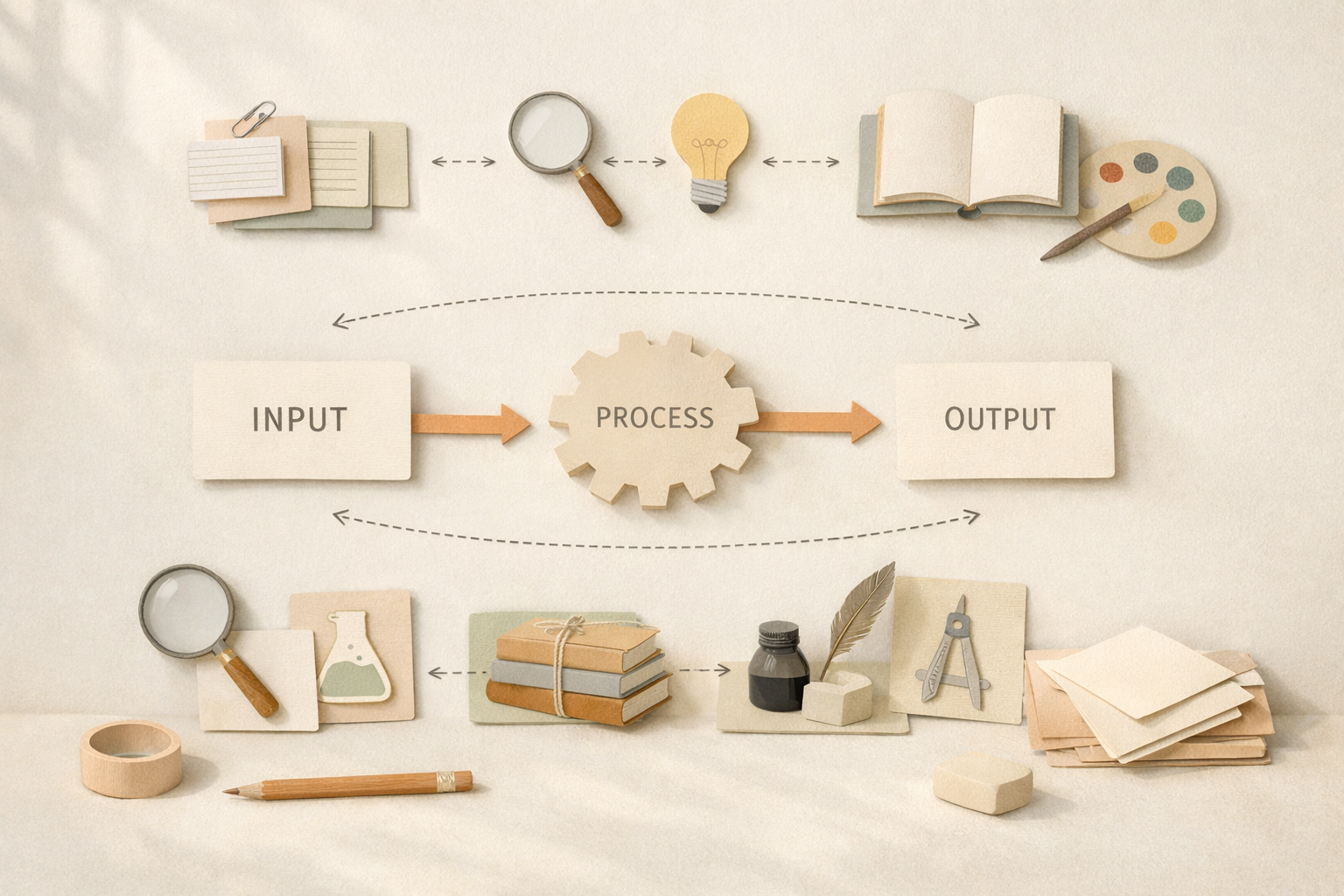
Modern productivity advice often focuses on tools. Which app is best. Which platform is fastest. Which service has the most features. But tools change constantly. Companies pivot, pricing shifts, features are removed, acquisitions happen, and once-beloved products are abandoned. If your workflow is tightly coupled to a specific tool, every change becomes disruptive.
Designing workflows that are resilient is different. They survive tool churn. They adapt to new software with minimal friction. And they put control back in your hands rather than locking your work inside someone else’s ecosystem.
This article explores how to design workflows that remain stable even when the tools powering them change.
Why most workflows fail over time
Most workflows break for one of three reasons.
The first is tool dependency. When the logic of a workflow exists inside a single application, replacing that application means rebuilding everything from scratch. Your process becomes inseparable from the tool itself.
The second is data lock-in. If your data is stored in proprietary formats, or cannot be exported cleanly, switching tools becomes painful or impossible. Even small changes feel risky because your history is trapped.
The third is hidden automation. Many modern tools do a lot “behind the scenes”. That can feel convenient initially, but it makes your system opaque. When something breaks, you don’t know why, and you can’t easily recreate it elsewhere.
Designing resilient workflows means addressing all three from the start.
Start with principles, not tools
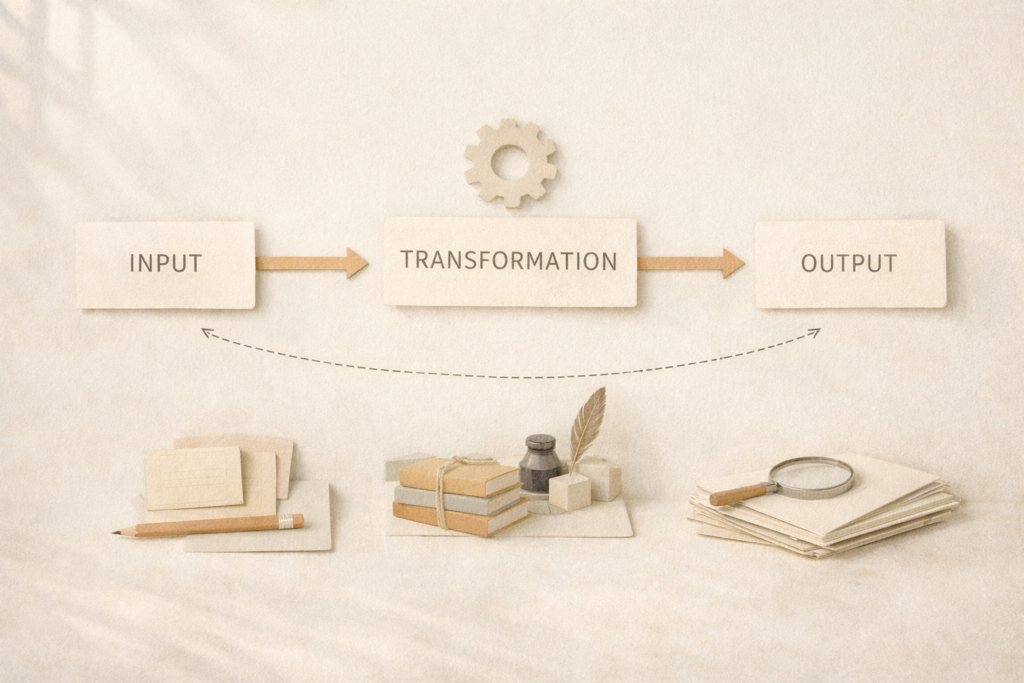
Before choosing any app, define what the workflow is actually meant to do.
- What inputs does it accept.
- What transformations happen.
- What outputs are produced.
- What decisions are made along the way.
This sounds obvious, but it is often skipped. People install tools first, then adapt their behaviour to match the software. That approach guarantees fragility.
A resilient workflow is tool-agnostic at the conceptual level. You should be able to describe it clearly using plain language or a simple diagram, without mentioning any specific app names.
For example, instead of saying “I clip articles into X and summarise them with Y”, describe the workflow as “I capture long-form content, extract key ideas, and store those ideas in a retrievable knowledge base”. Multiple tools could fulfil that role over time.
Separate data from functionality
One of the most important design decisions you can make is separating where your data lives from how it is processed.
Your data should ideally be stored in formats that are open, portable, and well supported. Plain text, Markdown, PDF, standard image formats, and common document formats are all safer long-term than proprietary databases.
Functionality, on the other hand, can be swapped more freely. Tools for editing, tagging, searching, or visualising data come and go. If the underlying data is accessible, replacing functionality becomes much easier.
This is why many resilient workflows favour file-based systems or self-hosted storage layers as a foundation, even when cloud tools are used on top. It creates an exit strategy by default.
Designing workflows around interfaces and hand-offs
Think of your workflow as a chain of stages with clear hand-offs between them.
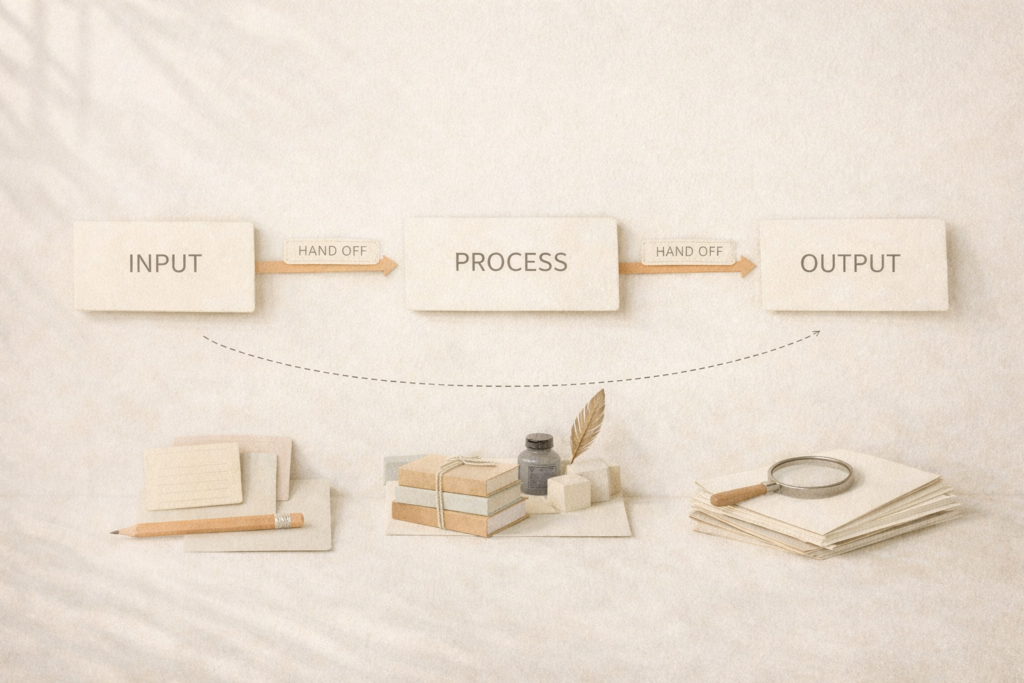
Each stage should have:
– a clear input
– a clear output
– minimal assumptions about how the previous or next stage works
For example, a research workflow might look like:
capture source material → extract highlights → summarise insights → store long-term notes
Each arrow is an interface. If the capture tool changes, the rest of the workflow should still function as long as it produces the same output format.
This mindset is borrowed from software engineering, where loosely coupled systems are far more resilient than tightly integrated ones. It works just as well for personal and professional workflows.
Prefer modular tools over monolithic platforms
All-in-one platforms can be seductive. They promise simplicity and fewer moving parts. But they also concentrate risk.
If a monolithic tool changes direction, raises prices, or shuts down, your entire workflow is affected at once.
Modular tool stacks, where each component does one job well, tend to be more resilient. They allow you to replace individual pieces without rebuilding everything.
This does not mean using dozens of tools unnecessarily. It means choosing tools that respect boundaries and play well with others through exports, APIs, or standard formats.
Automate the glue, not the core
Automation is often where workflows become brittle.
When automation logic lives entirely inside a single SaaS platform, you inherit all of its limitations. If pricing tiers change or features are removed, critical processes can break overnight.
A more resilient approach is to automate the glue between tools rather than embedding logic deep inside them.
External automation layers, whether self-hosted or cloud-based, can act as translators and orchestrators. They connect tools together without owning the data itself.
This makes it far easier to swap one service for another. You change a single connection rather than rebuilding the entire workflow.
Design for graceful degradation
No tool lasts forever. A resilient workflow assumes that failures will happen and plans for them.
Ask yourself:
What happens if this service disappears tomorrow?
What happens if this feature becomes paid-only?
What happens if the API rate limits change?
You do not need perfect answers, but you should have acceptable ones.
Graceful degradation means that when something breaks, the workflow still functions in a reduced form rather than collapsing entirely. Manual steps temporarily replace automation. Local files replace cloud sync. Simpler tools stand in for advanced ones.
If losing a single tool would completely halt your work, the workflow is fragile.
Document the workflow outside the tools
Finally, document your workflow somewhere independent of the tools themselves.
This can be as simple as a text document describing each stage and why certain choices were made. The goal is not exhaustive documentation, but clarity.
When you revisit the workflow months or years later, or when you migrate to new tools, this external map becomes invaluable. It also makes it much easier to teach the workflow to others or scale it across a team or family.
The long view
Designing workflows that do not break when tools change is ultimately about mindset. It prioritises durability over novelty, principles over features, and ownership over convenience.
Tools will continue to evolve. That is inevitable. But your workflows do not need to be rebuilt every time they do.
When you design for flexibility, modularity, and data independence, tool changes become routine maintenance rather than existential threats. And that is the difference between a system that merely works today and one that continues to work for years to come.